 Contact me on Messenger
The Pay For Action (Entry Fee) extension allows you to:
- to charge an entry fee for entering your contest.
- to charge a fee for votes
Entry Fee – possible usage ways:
- The contestant will fill out the entry form and then get into the email with a link to the payment form. In the popup success message, he will also see a link to the payment form. After going to the payment page, he can select Payment Gateway and will be directed to PayPal/2Checkout to complete the payment. Once the payment is made, the user will return to your website, and their entry will be live.
- Alternatively, if you enable Moderation, after submitting the entry form, the contestant will be emailed that after the Admin review, he will receive a payment link to finalize the payment. After the Admin review is successful, the user will receive an email with a payment link. When going to payment, select Payment Gateway, and you will be directed to PayPal/2Checkout to complete the payment. Once the payment is made, the photo will appear on the Moderation page, and the admin must approve it.
Paid votes – possible usage ways:
- Freemium mode: the user can use free votes and then purchase extra votes
- Paid mode: only paid votes allowed
Supported payment gateways:
- WooCommerce checkout – the virtual WC order was created and the user could pay using any of the WooCommerce gateway configured
- Paypal Standart (live & sanbox)
- Stripe Checkout (in beta mode, live & sandbox)
- 2Checkout for Paypal & CreditCards (live & sandbox)
- Paystack (just for NGN currency)
Installation
- Install as a plugin and activate
- Navigate to FV Pay For Action => Settings and set up Emails texts & Payment Gateways ( video instruction)
- Create a Contest and enable the upload
Changelog
/* Version 2.19 ## 30.03.2020 */ ** REQUIRED 2.3.16
– [new] More “Paid upload” options
– [fix] “Upload & pay” mode hasn’t calculated the price while the moderation is disabled
- [tweak] Improved paid votes with a “custom” votes count purchase
- [new] Stripe beta support
- [new] Payment reminders if order isn’t completed after 30 minutes
- [new] Orders history shortcode for frontend [fv_pfa_user_orders_history no_logged_text=”Please login to see”]Orders {username}[/fv_pfa_user_orders_history]
- [fix] Dsiabling paid uploads for a contest doens’t work in some cases
/* Version 2.10 ## 13.08.2019 */ ** REQUIRED 2.3.13
- [fix] Fixed export
- [tweak] Added filter by Сontest in the Orders list
/* Version 2.05 ## 10.06.2019 */ ** REQUIRED 2.3.13
- [new] Dynamic Voting Prices
/* Version 2.04 ## 17.05.2019 */ ** REQUIRED 2.3.13
- – [new] Added options to: disable paid upload per contest, disable paid votes per contest, set votes & upload price per contest
/* Version 2.03 ## 24.04.2019 */ ** REQUIRED 2.3.00
- – [tweak] Restored Mollie gateway
/* Version 2.02 ## 02.09.2018 */ ** REQUIRED 2.3.00
- [fix] Not possible to set float price\
- [fix] Added Israeli New Sheqel (ILS) currency code for Paypal
/* Version 2.01 ## 20.08.2018 */ ** REQUIRED 2.3.00
- [fix] Not possible to delete the order
- [tweak] Change title for Success payment page from “Error” to “Payment successful” + changed status to 200 from 500
- [tweak] Display contest name + link on Order Overview page
/* Version 2.00 ## 28.07.2018 */ ** REQUIRED 2.3.00
- [new] Integrated PayStack payment gateway (Nigerian)
- [new] Added “Pay For Vote” option
- [new] Added option to edit order details from admin
- [fix] Small fix for Paypal gateway (thanks to Christian Hupfeld)
- [tweak] Migrated to Notifications V5 (need re-check Email Notifications!)
- Removed Mollie Gateway
- Other small tweaks and code improvements
== Version 1.20 ## 05.10.2017 == ** REQUIRED 2.2.701
- [new] Added option for show pay form in a modal (so user cap pay withtou leaving page).
== Version 1.11 ## 22.09.2017 == ** REQUIRED 2.2.701
- [fix] Tweaks and fixes for WP Foto Vote 2.2.701
== Version 1.10 ## 30.08.2017 == ** REQUIRED 2.2.608
- [new] Email notifications migrated to the New Notifications system
== Version 1.01 ## 30.08.2017 == ** REQUIRED 2.2.607
- [fix] Small compatibility with WP Foto Vote 2.2.607
== Version 1.0 ## 2.02.2017 == ** REQUIRED 2.2.406
- [fix] Small fix to avoid unnecessary SQL queries
== Version 0.9 ## 6.01.2017 == ** REQUIRED 2.2.406
- [new] Added new mode “Pay & Upload”
== Version 0.8 ==
- [new] Added HiPay Modile gateway
== 10 October, 2016 > version 0.7 ==
- [fix] After payment for multi upload was published just first photo of array
- [new] Possible set up one of 2 price type for multiupload (many photos per submit) – Flat or based on photos count
== 27 September, 2016 > version 0.6 ==
- public release
Screenshots
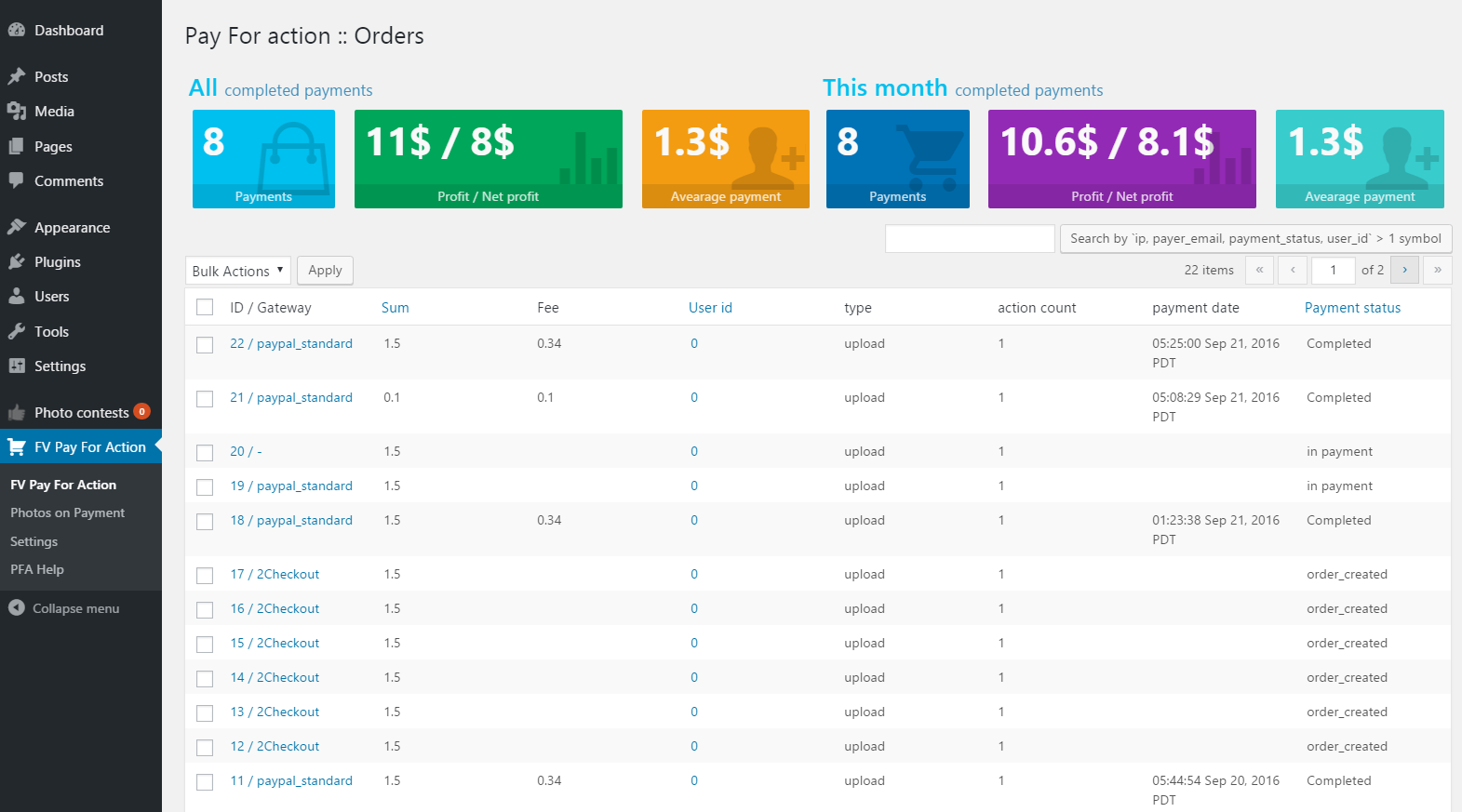 Dashboard
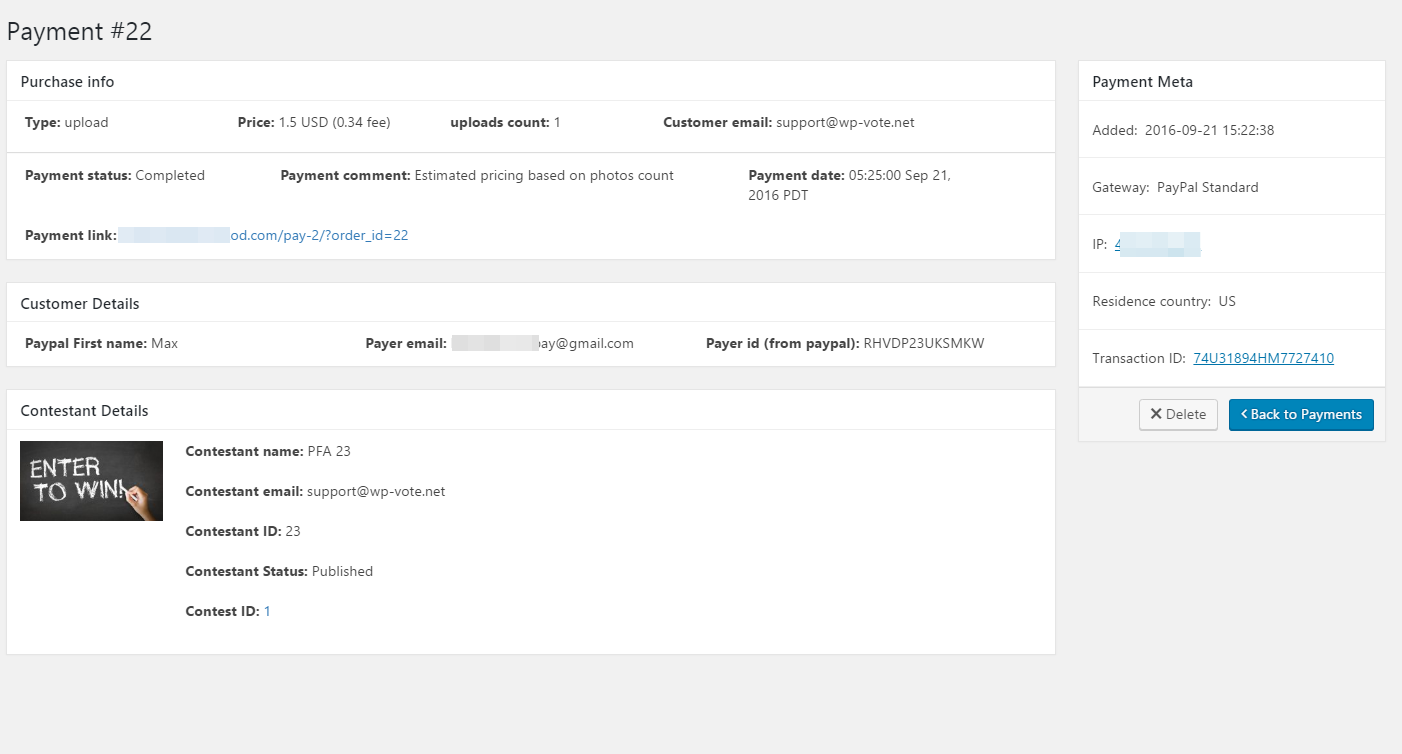 Payment details
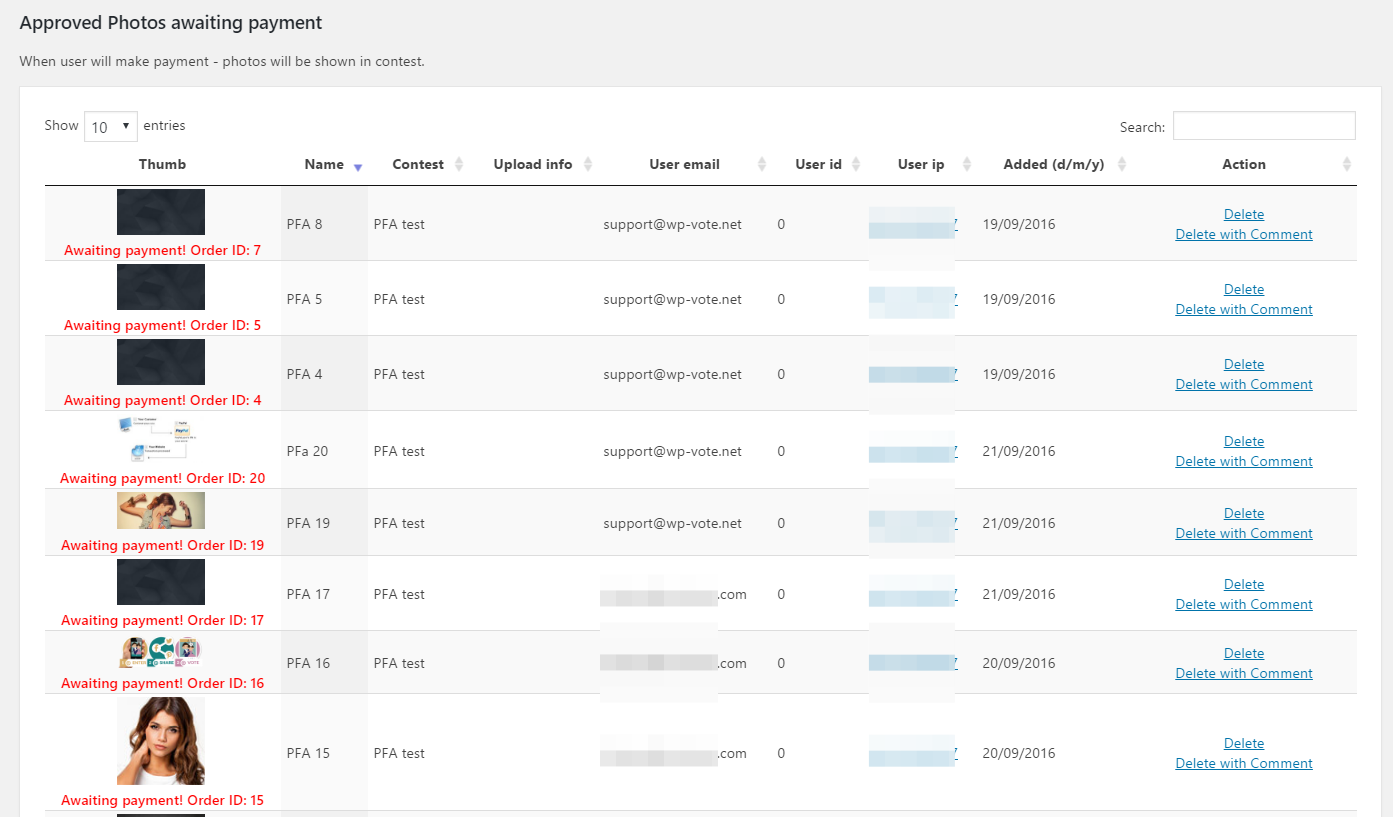 Photos on payment
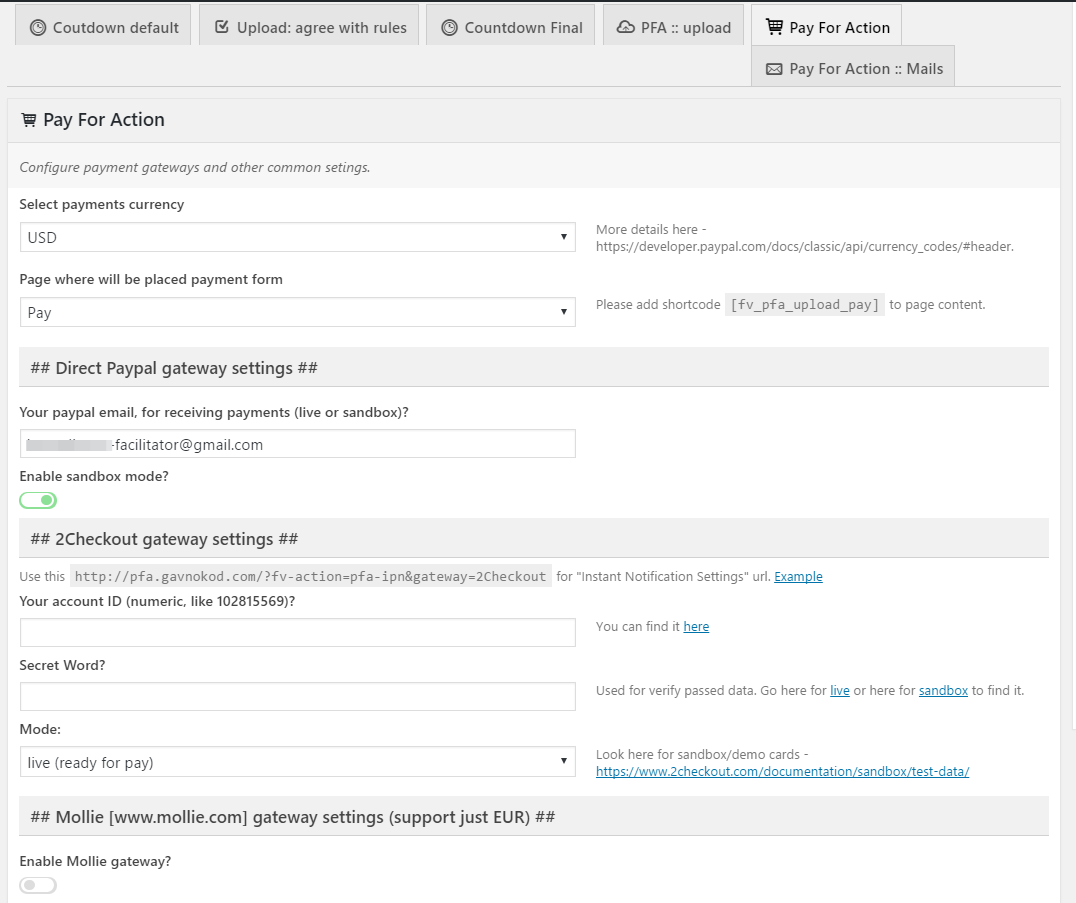 Common settings
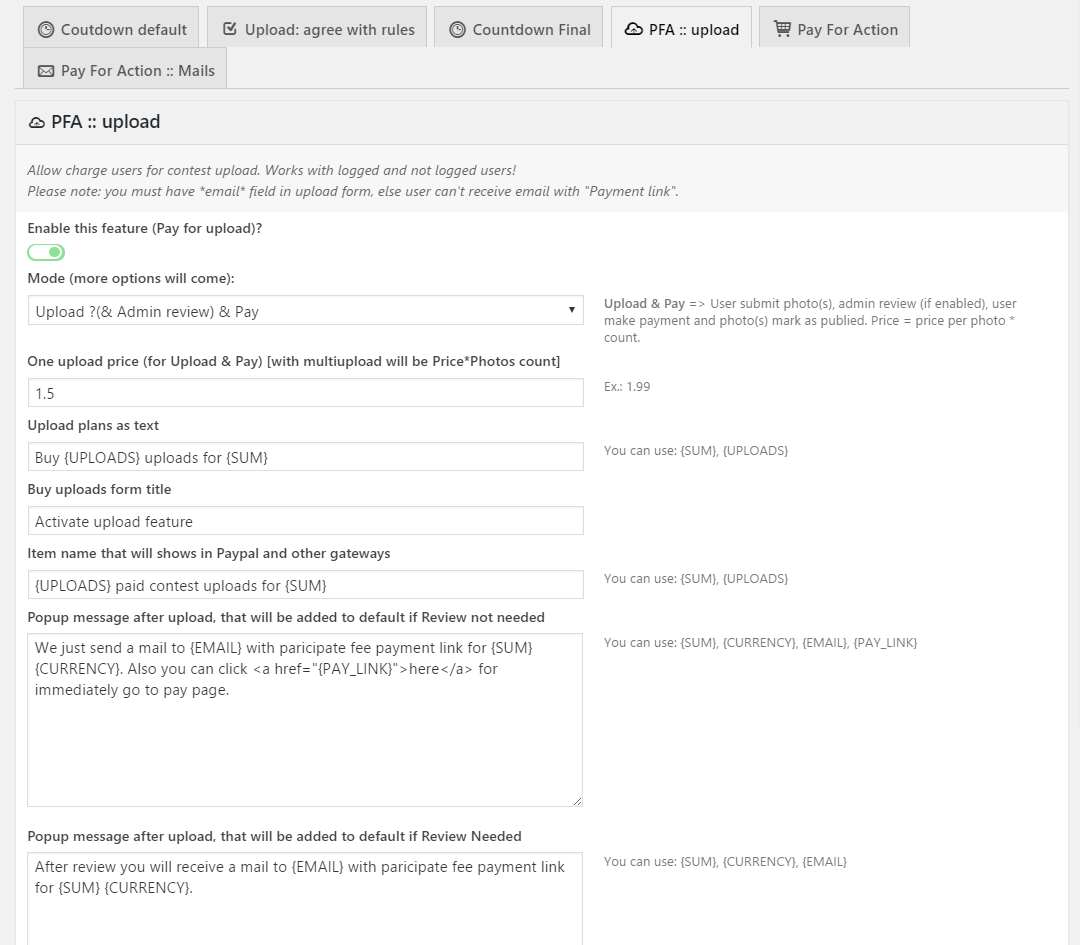 Upload settings
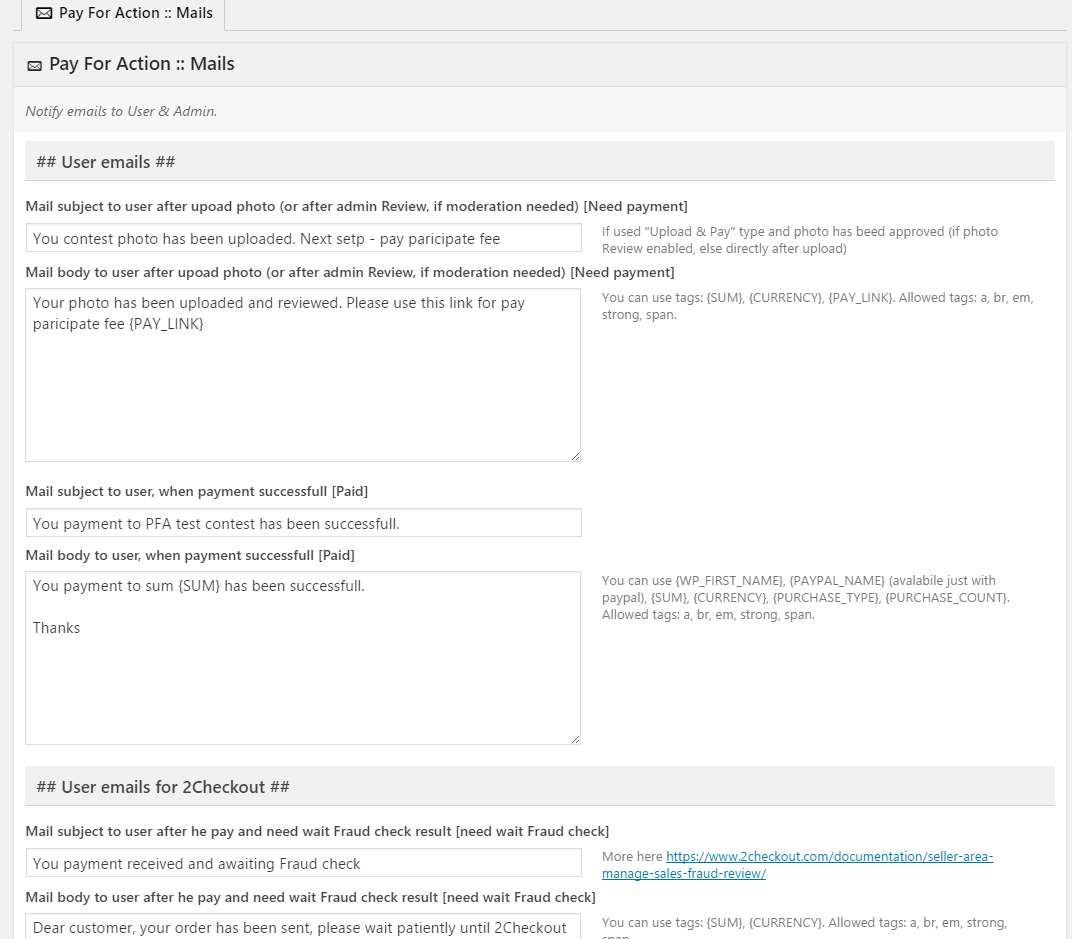 Emails settings
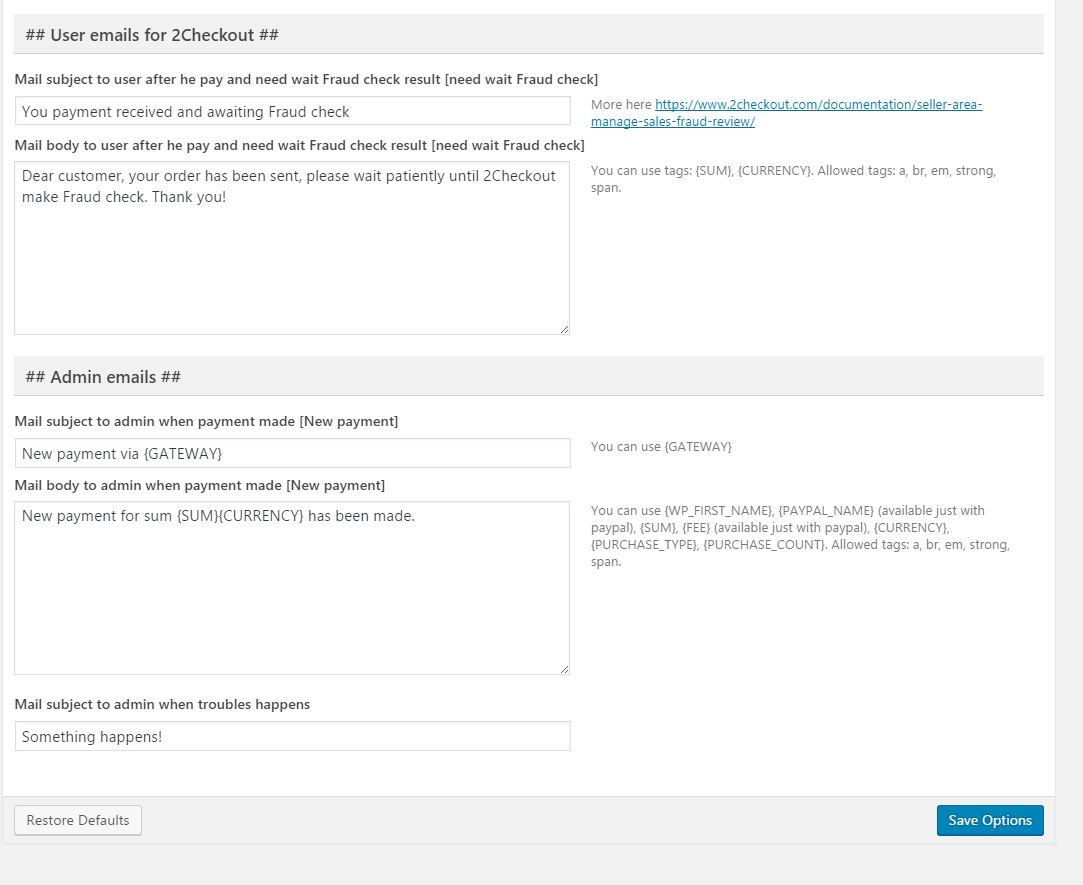 Emails settings
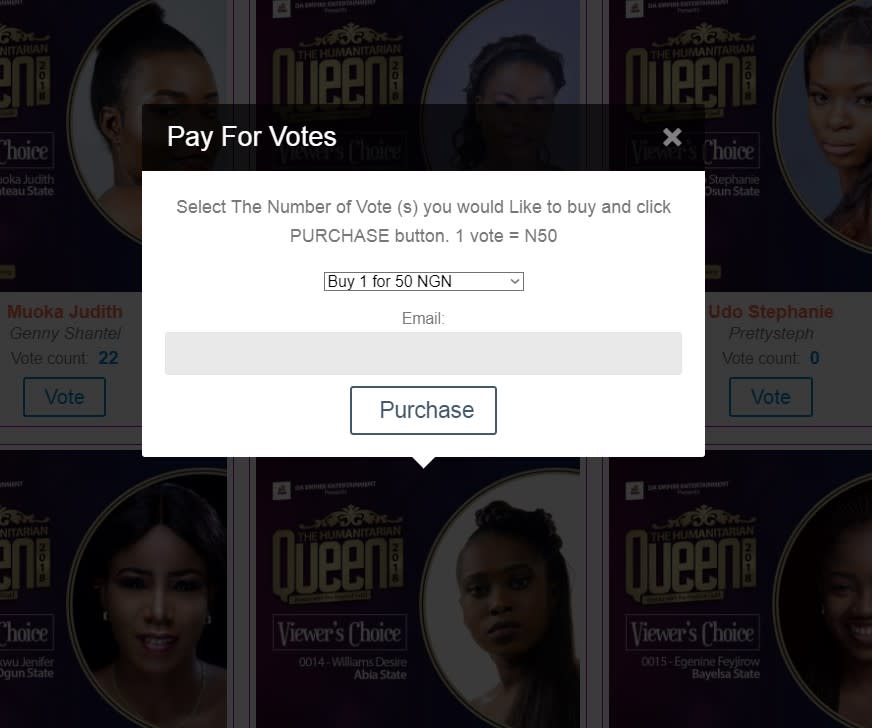 Pay for Votes